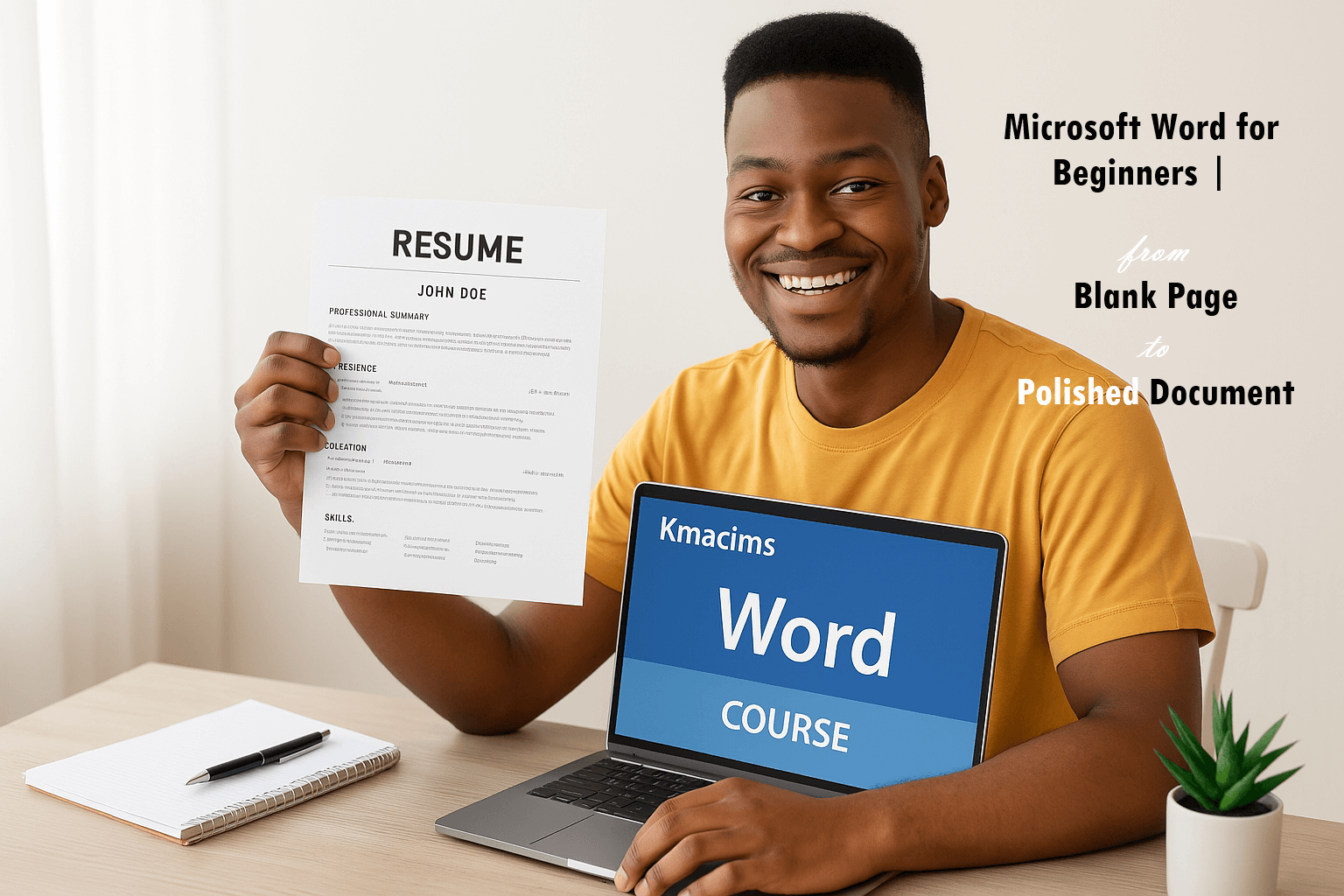
Hey! The guessing is over; the struggles have ended. You can easily and confidently create professional-looking documents in minutes after taking this course.
If you are one of those who stare at a blank page, unsure where to begin, or struggle to format documents professionally, a fix is here.
This course is your ultimate guide to mastering Microsoft Word. It will transform you from a novice or beginner into a confident document creator.
Today’s workplace and business world require proficiency in Microsoft Word as an essential skill. Students, businessmen & women, professionals, and anyone who needs to create clear, organized, and impactful written communication use a word application.
So, it doesn’t matter if you’re drafting essays, crafting reports, designing flyers, pitch decks, or building resumes; this course will equip you with the knowledge and practical skills to tackle any document with ease.
In this Microsoft Word for Beginners Course, you’ll learn the following:
- Navigating the Word Interface: Get comfortable with the ribbon, tabs, and essential tools.
- Document Creation Fundamentals: Learn to open, save, and manage your documents efficiently.
- Text Editing & Formatting Mastery: Discover how to input, edit, copy, paste, and format text to create visually appealing documents using fonts, colors, and styles.
- Paragraph & Page Layout: Master paragraph alignment, spacing, indentation, and page breaks for professional presentation.
- Adding Visual Impact: Integrate images, shapes, and SmartArt to enhance your documents.
- Organizing Information: Utilize bullet points, numbering, and tables to present data clearly.
- Proofreading & Collaboration Tools: Learn to use spell check, grammar check, and track changes for error-free and collaborative work.
- Printing & Sharing: Prepare your documents for printing and explore various sharing options.
- Tips for Efficiency: Discover time-saving shortcuts and best practices to boost your productivity.
Who is this course for?
- Absolute beginners with no prior experience in Microsoft Word.
- Students who need to create assignments, reports, and research papers.
- Professionals looking to enhance their document creation skills for work.
- Anyone who wants to improve their digital literacy and create polished, professional-looking documents.
Why Choose This Course?
- Step-by-Step, Easy-to-Follow Lessons: Our comprehensive curriculum breaks down complex topics into bite-sized, digestible modules.
- Cross-Platform and Version Compatible: The knowledge gained in this course can be used in any version of Microsoft Word (Old and New), and in any word processing app such as Google Docs, Zoho
- Hands-On Practice: Learn by doing with practical exercises and real-world examples.
- Clear & Concise Explanations: We avoid jargon and focus on practical application.
- Boost Your Productivity: Learn efficient techniques to save time and effort.
- Enhance Your Professionalism: Create impressive documents that stand out.
Do not let a blank page intimidate you again! ENROLL in Microsoft Word for Beginners: From Blank Page to Polished Document TODAY and transform your document creation skills. Unlock your potential and start creating professional, impactful documents with confidence.