Top 5 Best Uses and Benefits of OCR Technology
Discover the top 5 powerful applications and advantages of OCR technology, revolutionizing data extraction, document processing, and more.
Top 5 Best Uses and Benefits of OCR Technology Read More »
Discover the top 5 powerful applications and advantages of OCR technology, revolutionizing data extraction, document processing, and more.
Top 5 Best Uses and Benefits of OCR Technology Read More »
Artificial Intelligence (AI) is the future; it is progress that cannot be stopped. We have to accept its existence and start using it. AI is now being actively introduced into any science, economics, and human life field. And, of course, such an important area as education must be included.
How Can Artificial Intelligence Help with Studying at University? Read More »
Both plagiarism and paraphrasing are well-known aspects of writing and you need to understand both to ensure the originality of your work. In this article, we will explore the differences between plagiarism and paraphrasing and why it is essential to know the difference.
Plagiarism and Paraphrasing: Knowing the Unique Difference Read More »
PDF (Portable Document Format) is a versatile and reliable way of exchanging documents. It can be used by anyone not minding the underlying hardware, or software. How to merge PDF files into one document is the focus of this guide.
How to Merge PDF Files on any Device – The Complete Guide Read More »
A spreadsheet is a computer software that displays data in a two-dimensional grid and includes formulas to link the data. This guide on the uses of spreadsheet formulas is meant to assist anyone using spreadsheet software to work efficiently.
How does OCR work? OCR technology helps to extract text from scanned pdf and image files. In this guide, you’ll learn the uses, benefits, and applications of OCR and how to digitize your workflow.
How Does OCR Work: A Definitive Guide to OCR Technology Read More »
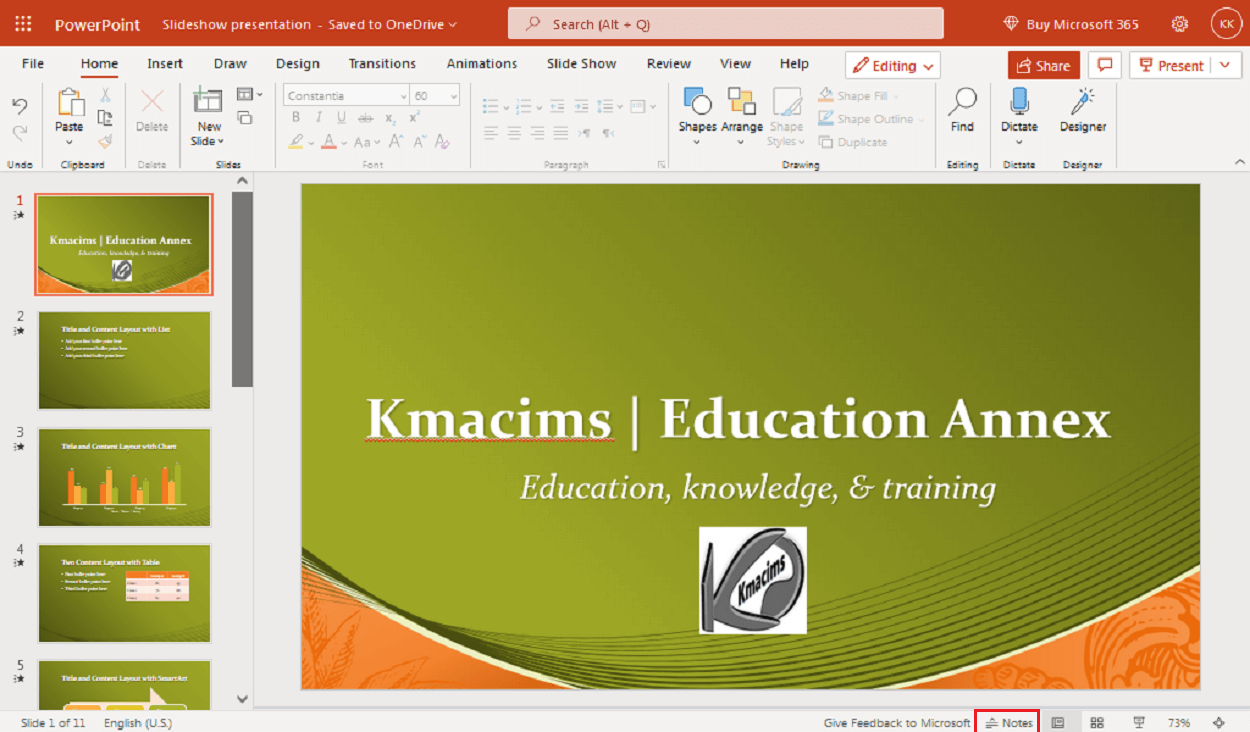
To share your PowerPoint presentation means bringing your presentation alive before your audience to trigger their participation. If you have successfully created professional presentations, you will need to share them with your audience. Different kinds of audiences demand different kinds of delivery.
How to Package and Share Your PowerPoint Presentations Read More »
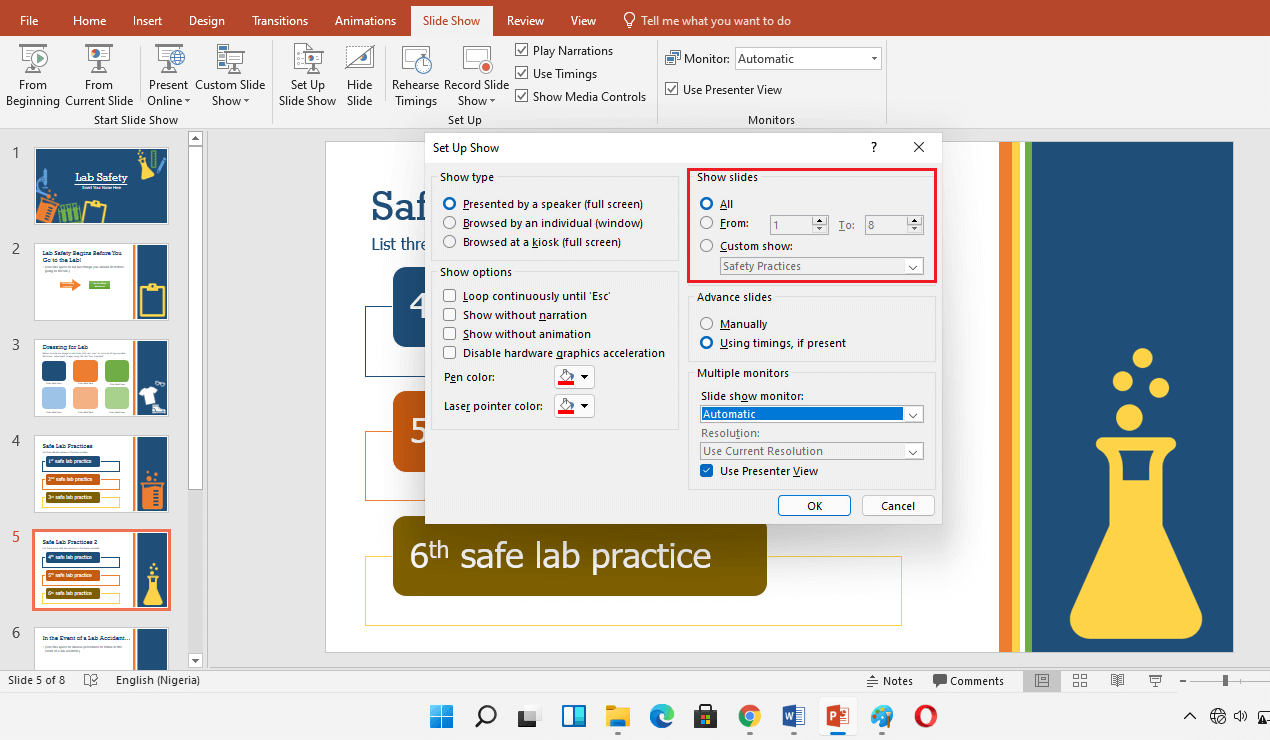
Another way to organize a presentation in PowerPoint is to create a custom slideshow. Custom slideshow tool helps you create a different presentation(s) within a presentation. In order words, instead of having different PowerPoint presentation files, you can group different presentations.
How to Create a Custom Slideshow in PowerPoint Read More »
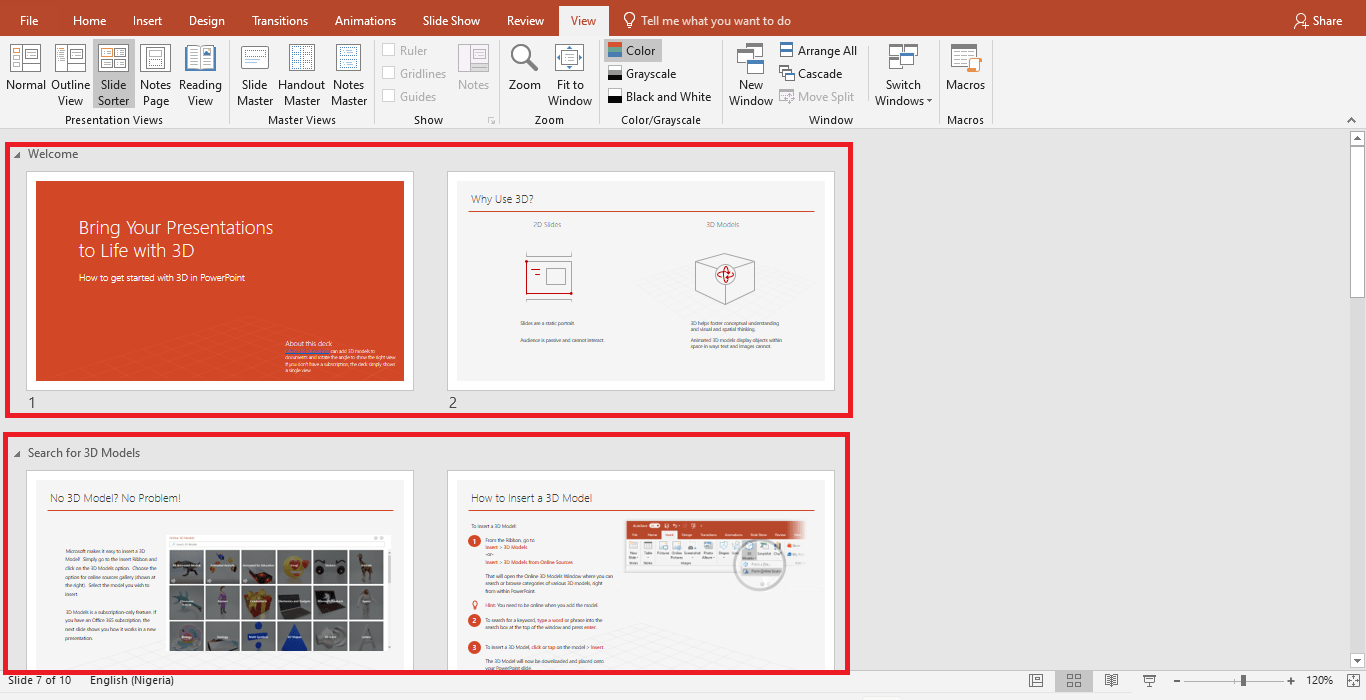
As a PowerPoint user, you should know how to organize a PowerPoint presentation into a logical structure. A logically structured presentation will help you leave a thought in the mind of your viewers. Structuring a presentation is an important step when creating standard and professional presentations.
How to Organize a PowerPoint Presentation into Sections and Table of Contents Read More »
Many times, you will not be present to deliver your presentations to your audience. When this is the case, you can add audio to PowerPoint slides while sharing your presentations.
How to Add Audio to PowerPoint Slides Read More »